Free · Windows and macOS · Cycling, running and skiing

Your rides, runs and descents, right over your videos.

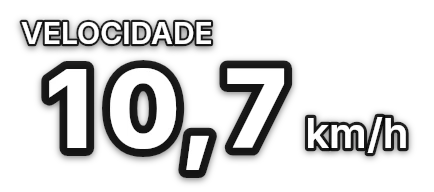
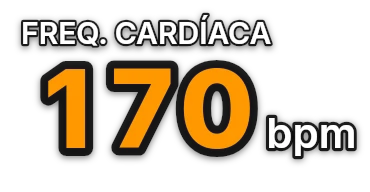
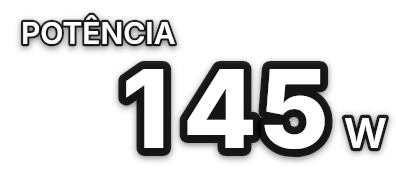
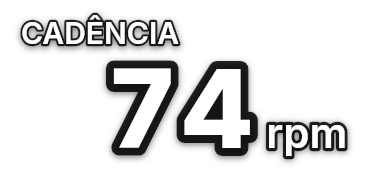
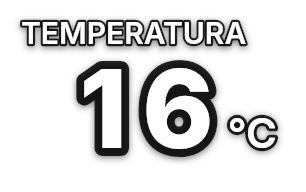
telemeSYNC syncs the file from your bike computer or watch (FIT or GPX) with your action cam clips and creates transparent graphics: speed, pace, power, heart rate, map, elevation and full panels, with gadgets made for cycling, running and trail, skiing and snowboarding. Drag them into your editor and you’re done.
  • Your videos never leave your computer
  • Nothing to install: extract and open
  • GoPro, DJI Osmo Action, Insta360 · Garmin, Coros, Suunto, Bryton, iGPSPORT and others that export FIT or GPX
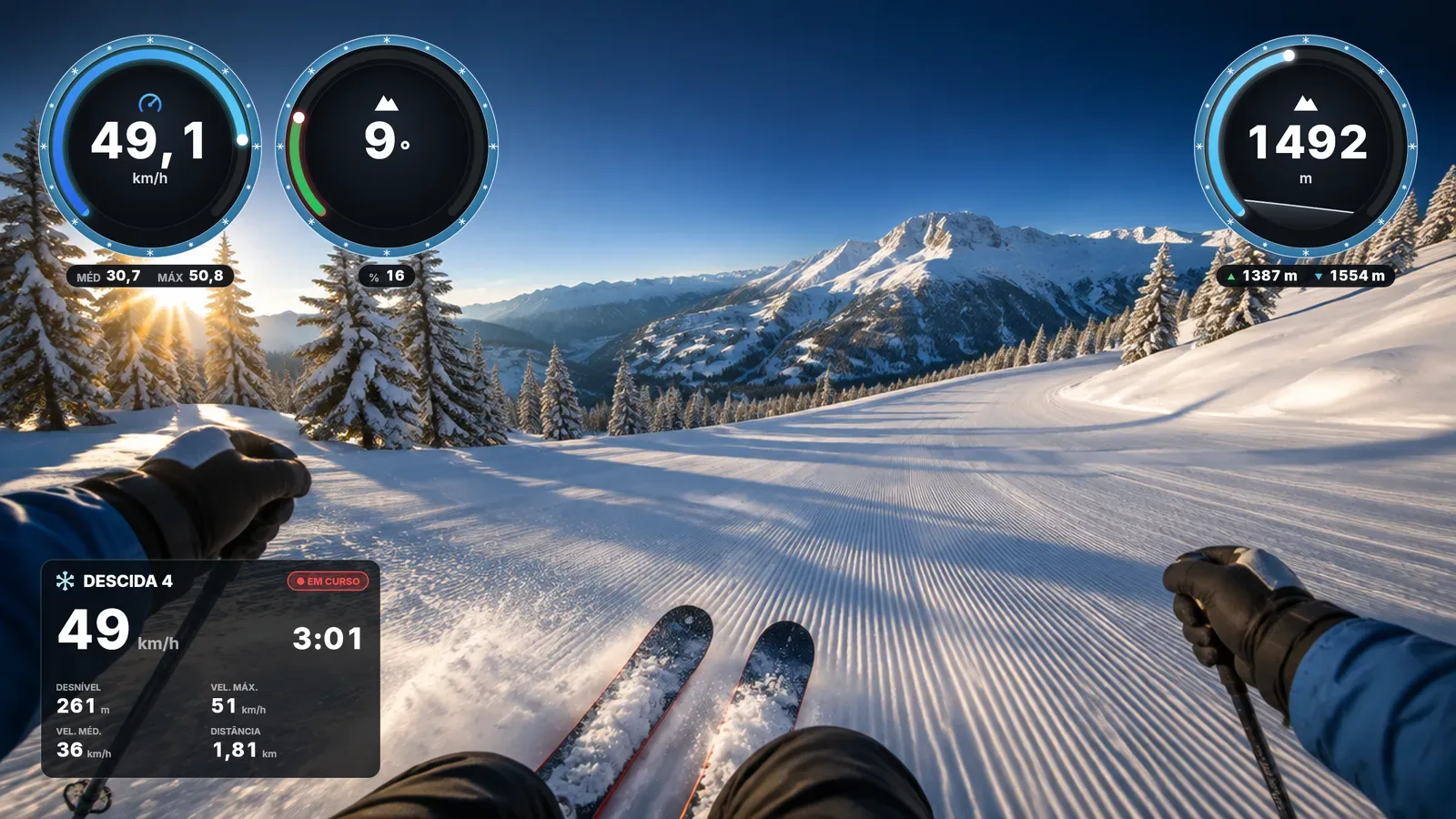
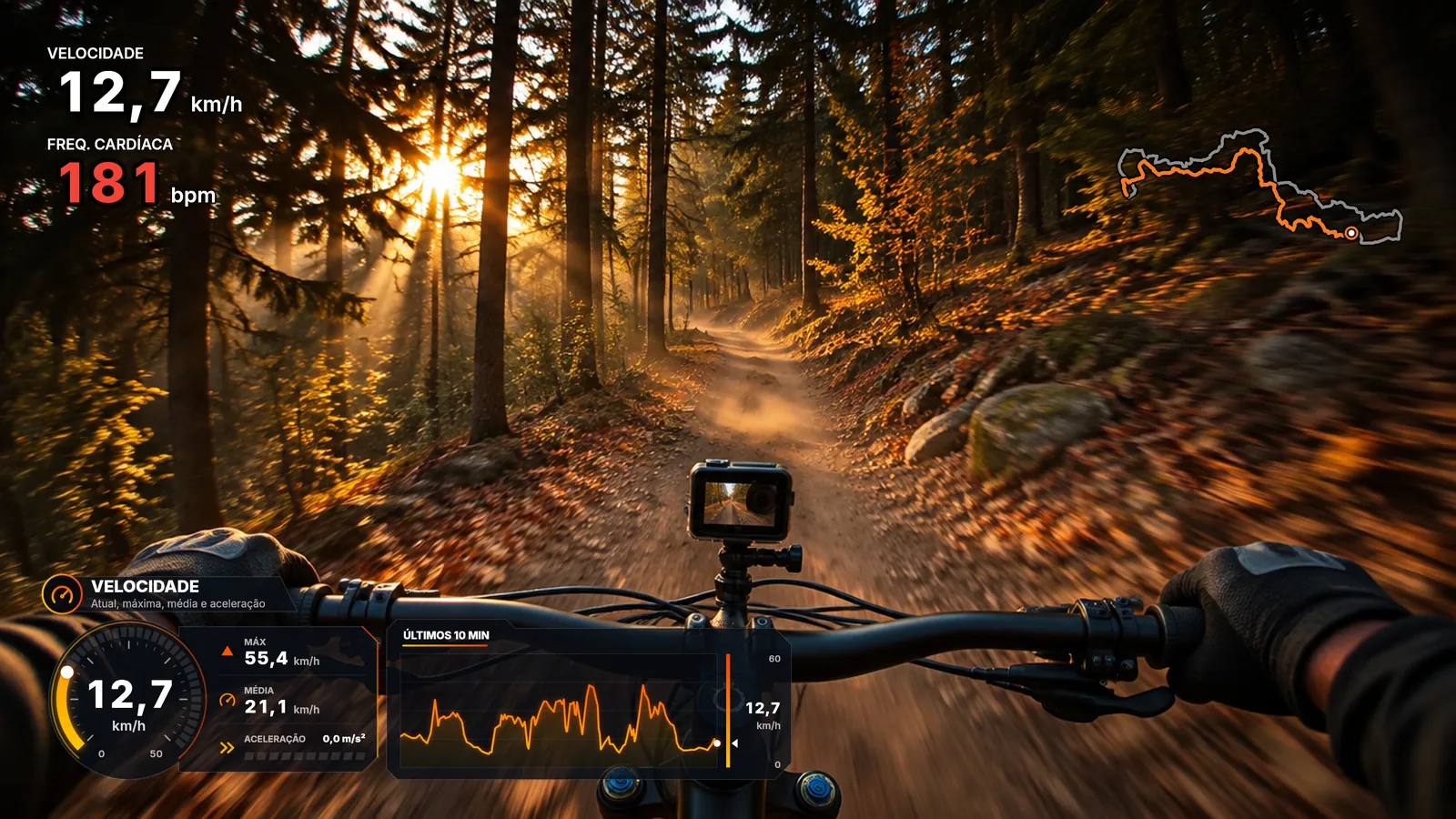
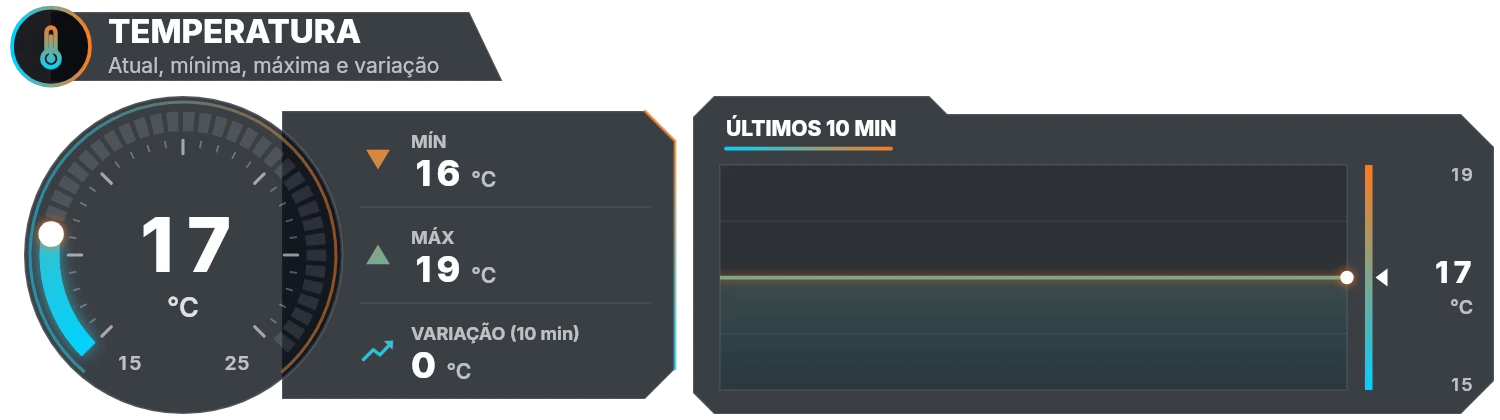
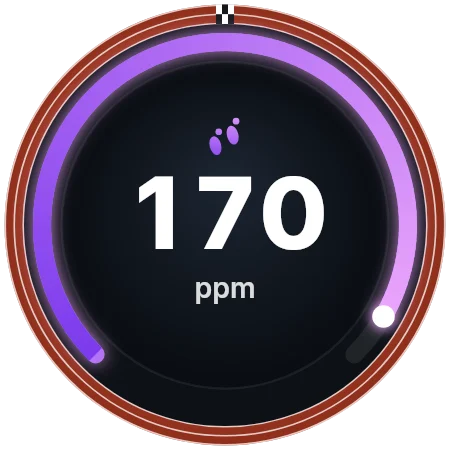
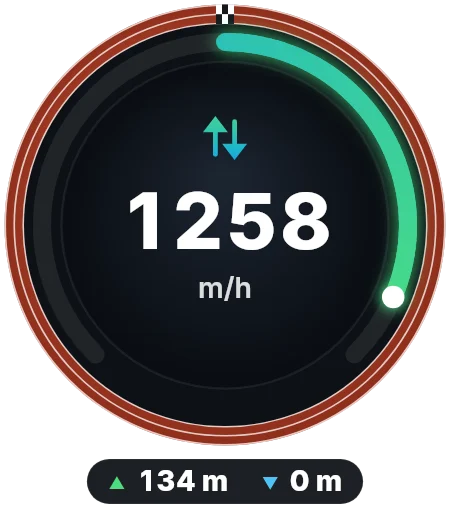
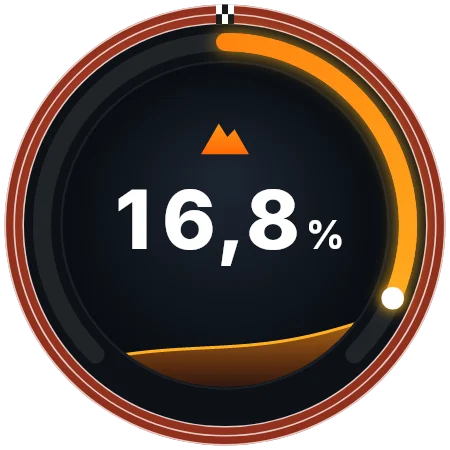
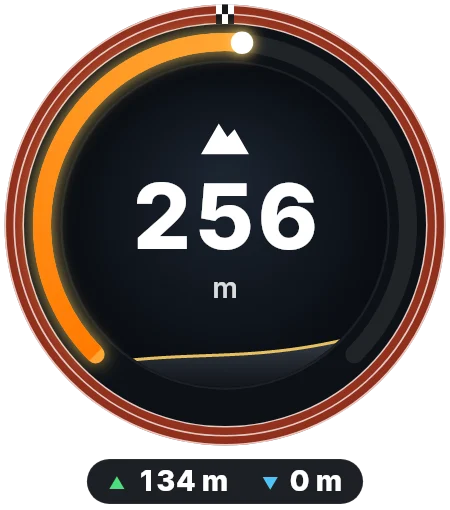
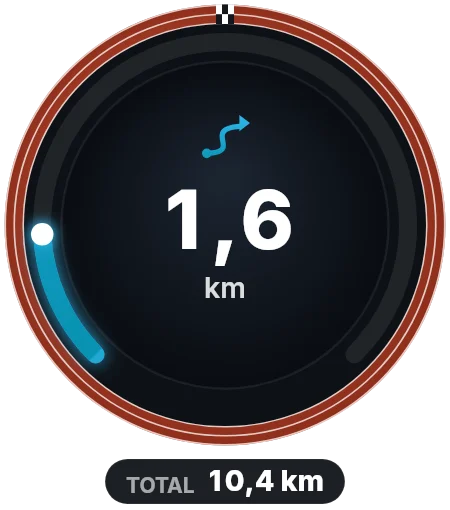
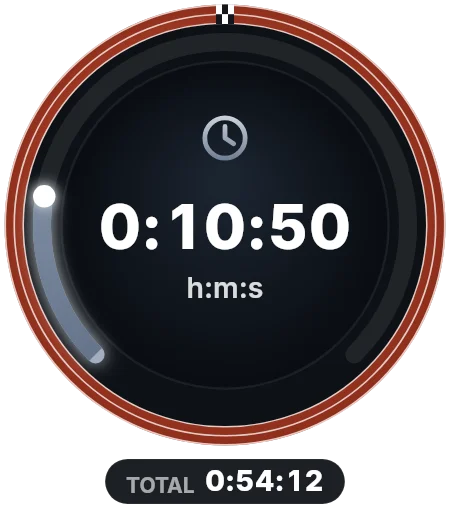
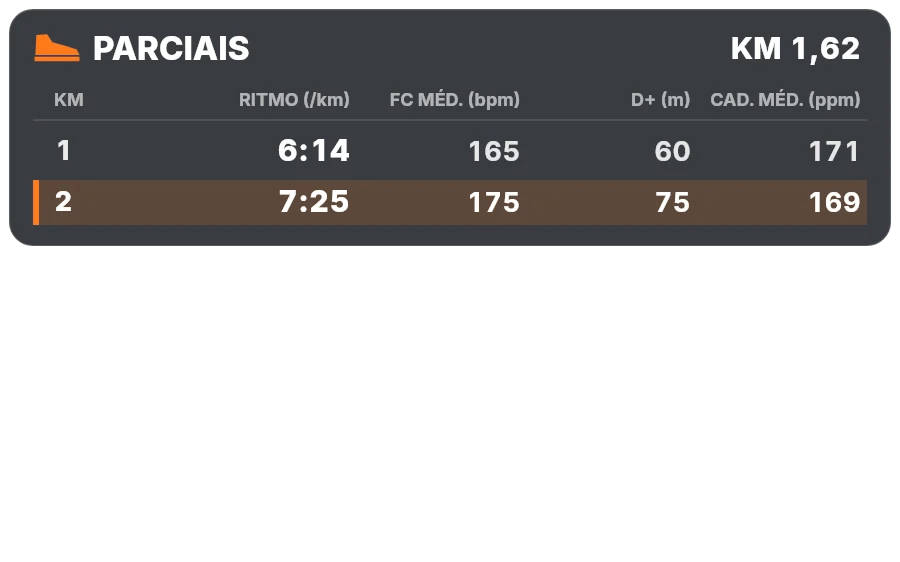
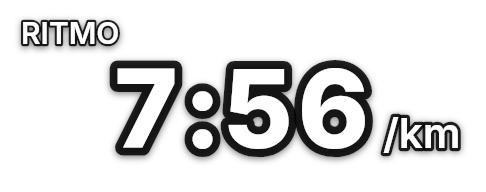
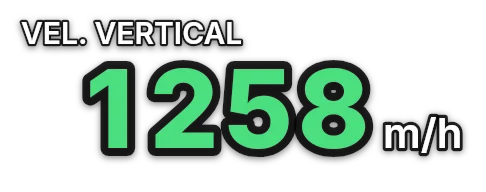
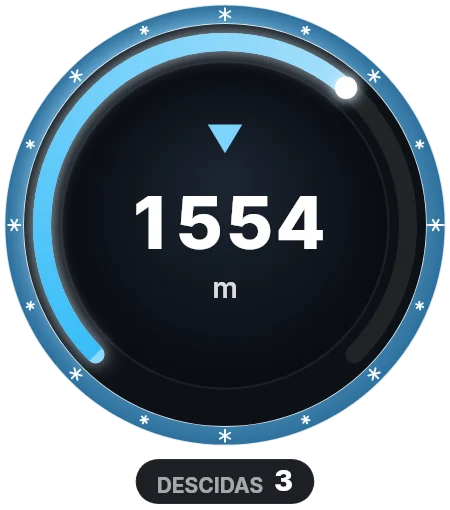
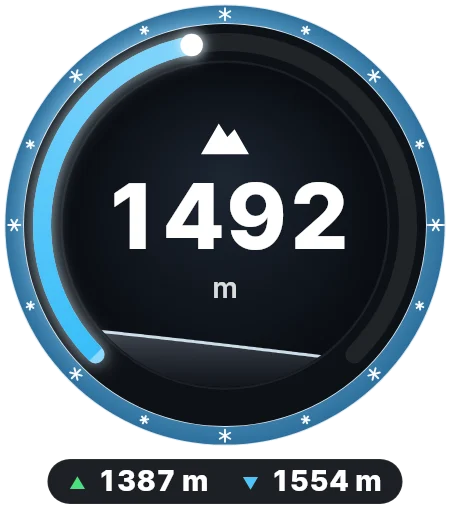
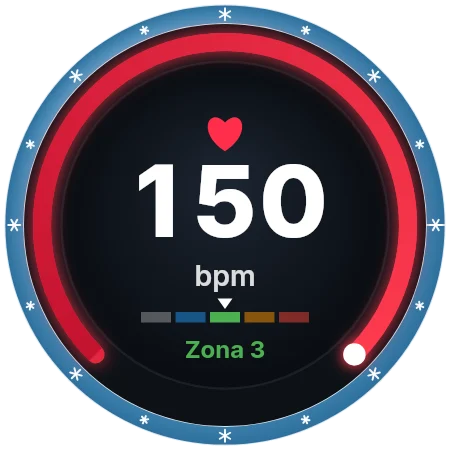
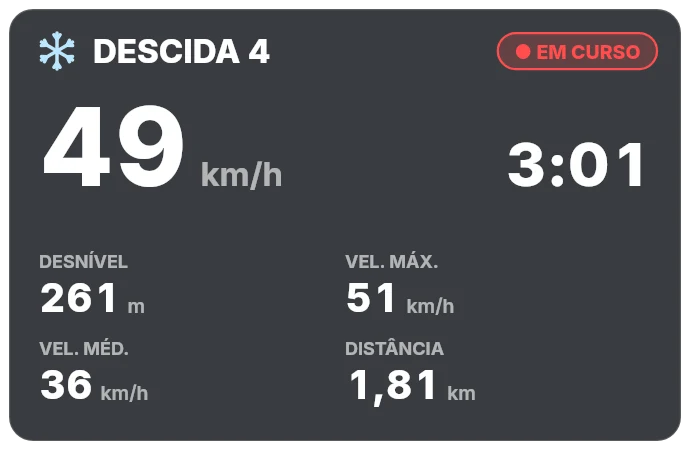
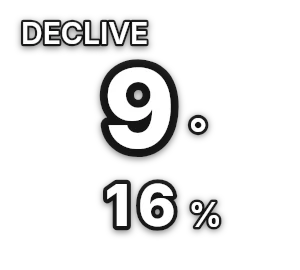
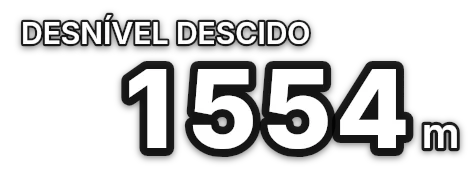
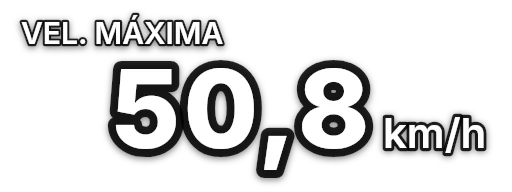
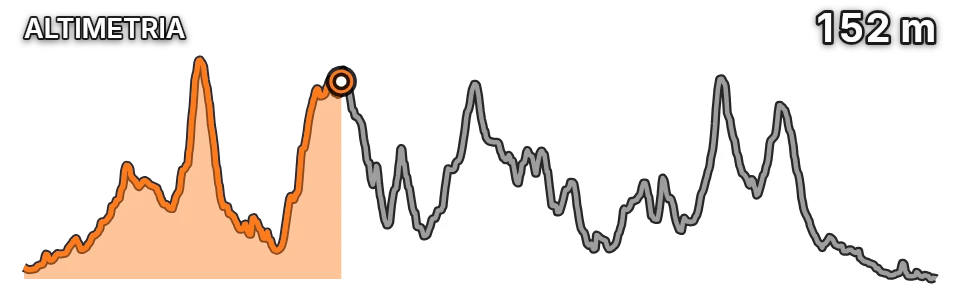
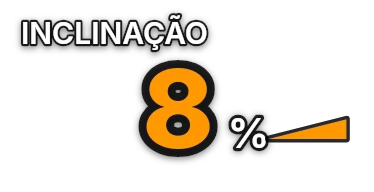
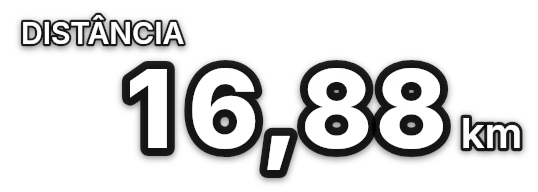
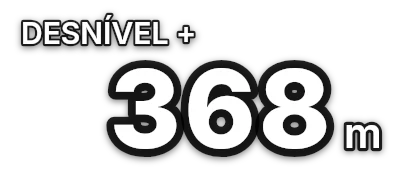
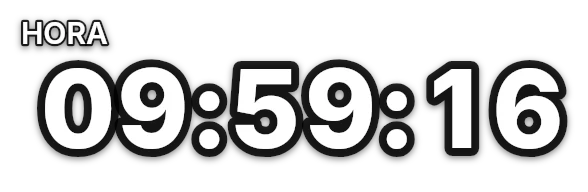
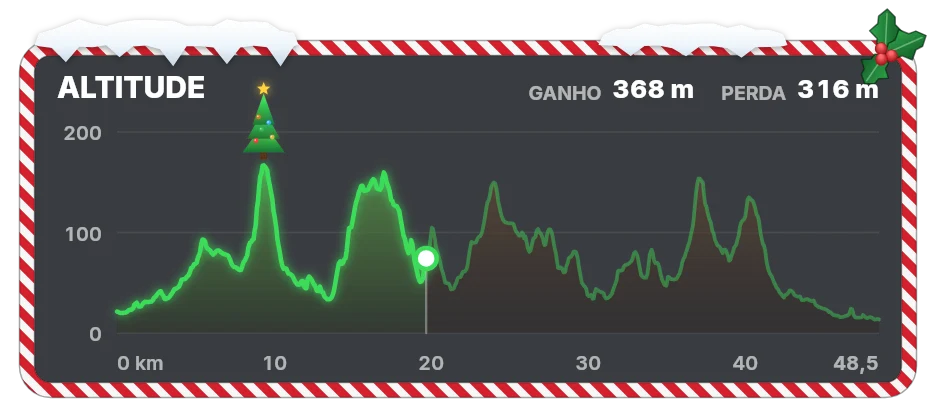
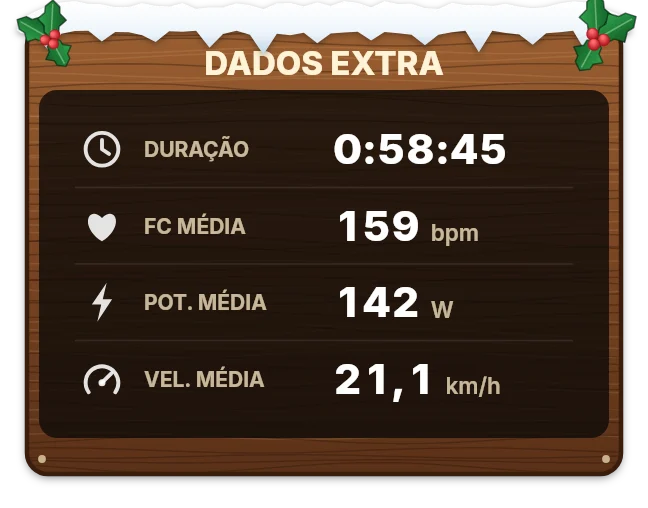
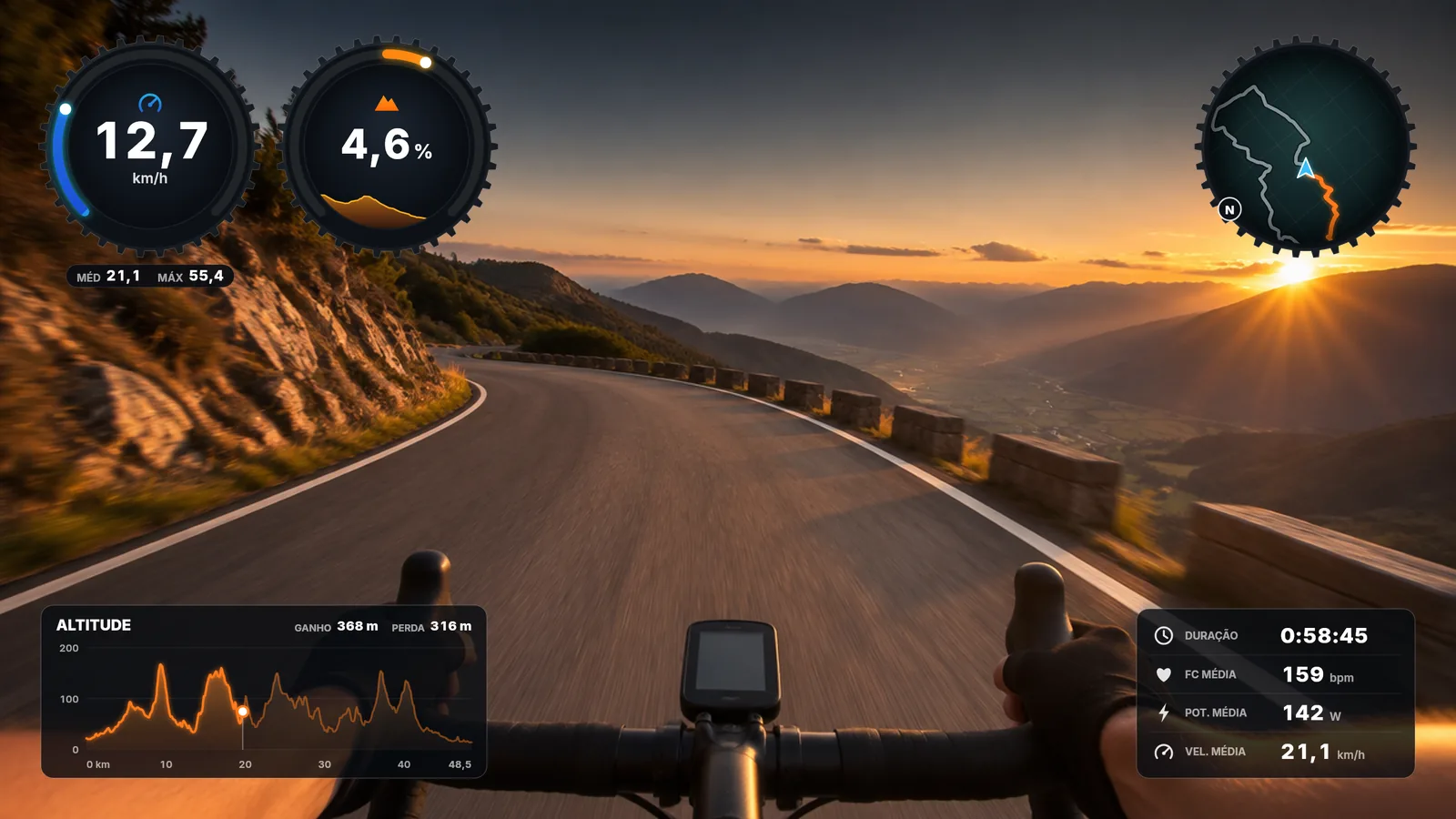
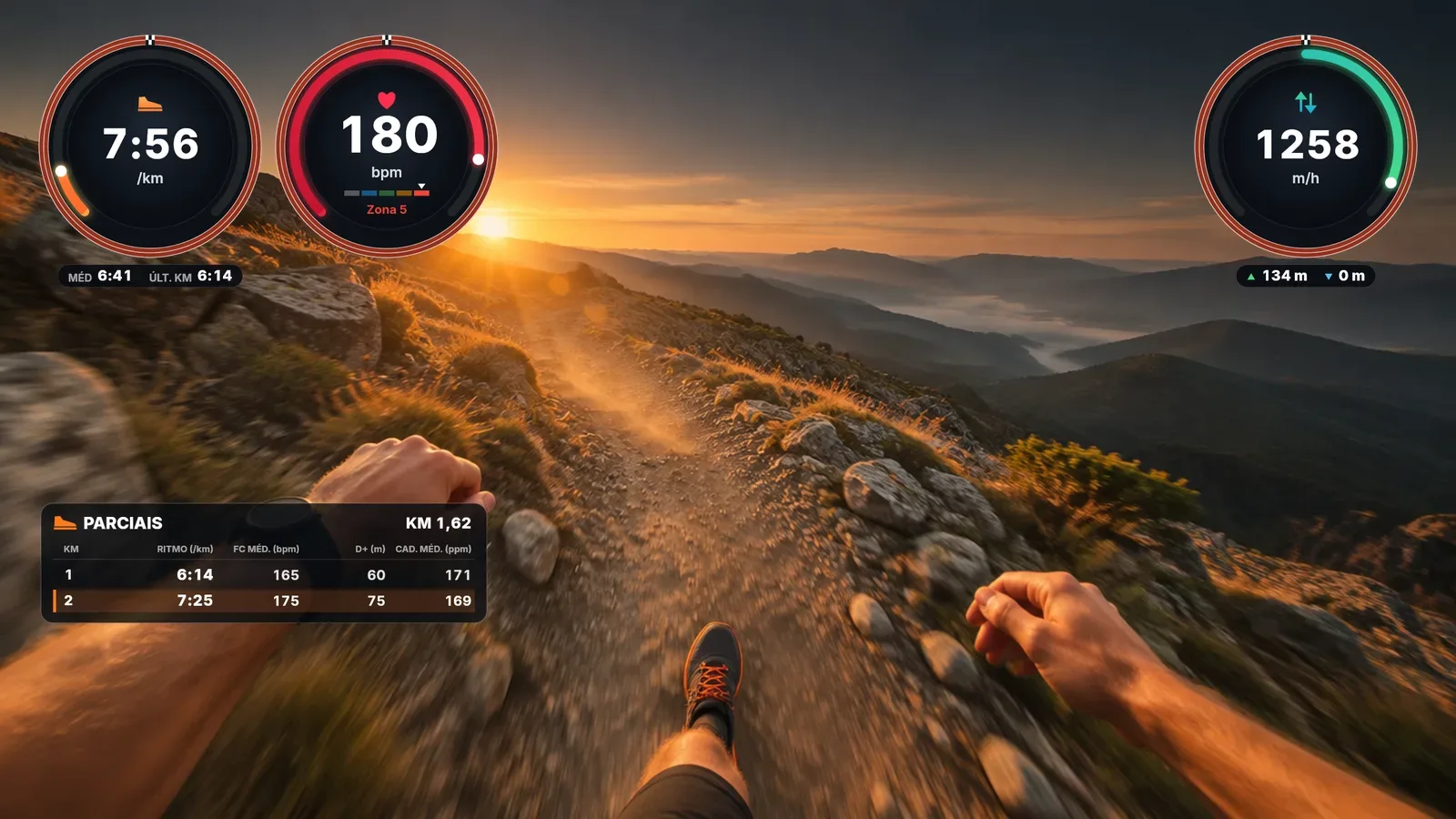
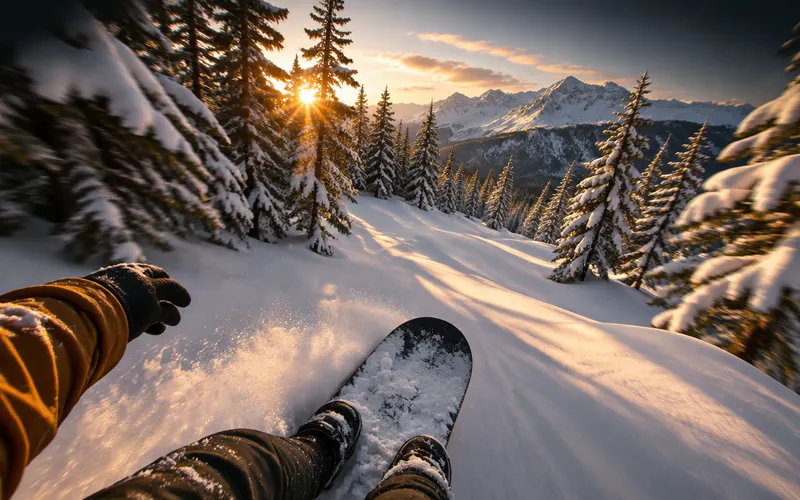
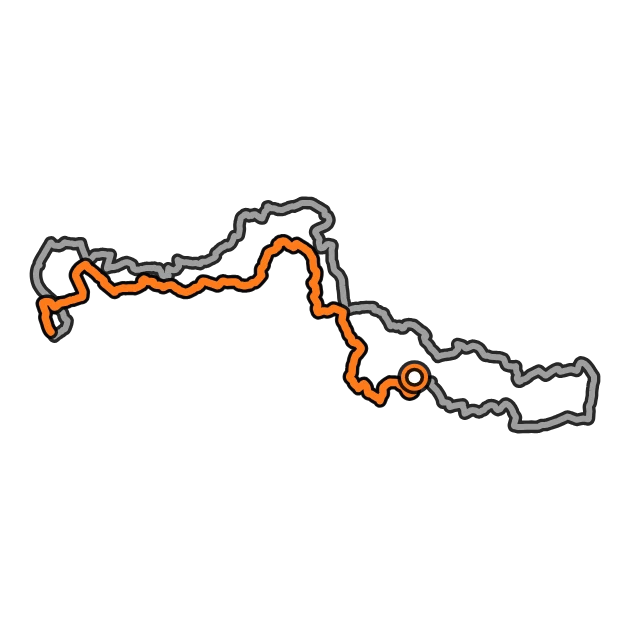
telemeSYNC composition over a road video: speed and gradient dials, round map, elevation profile and a panel with your averages. Trail running composition: pace, heart rate and vertical speed dials, and the km-by-km splits table. Skiing composition: speed, slope and altitude dials, and the card of the current run with its drop and speeds. Mountain bike composition: speed and heart rate as text, route map and speed panel with the chart of the last 10 minutes.
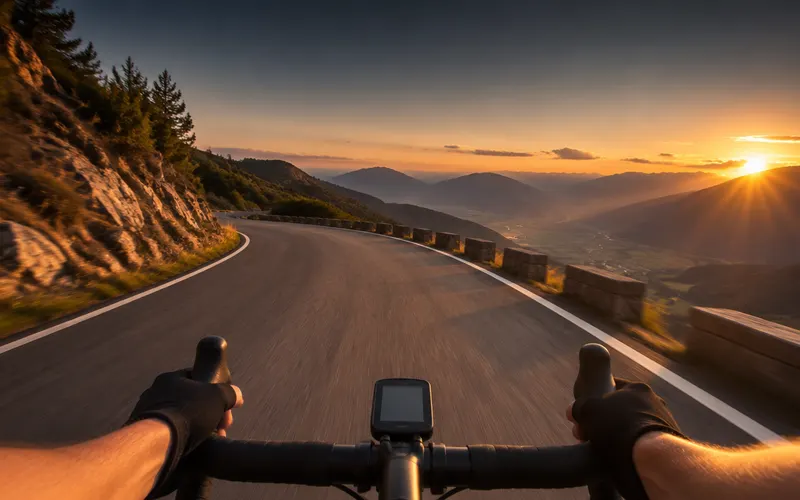
Real compositions exported by telemeSYNC, over illustrative images.

One program, three sports

telemeSYNC was born in cycling, but it also has gadgets made for runners and for those who ride down the mountain. When the file says its sport, the program opens the right gadgets straight away.
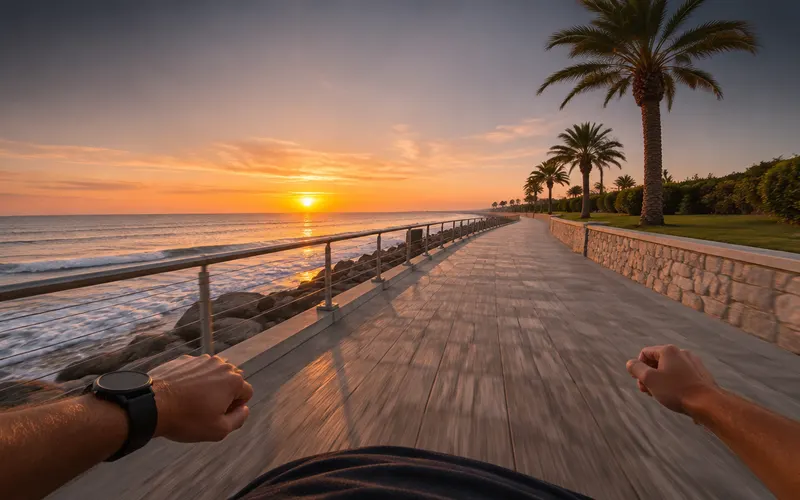
Cycling

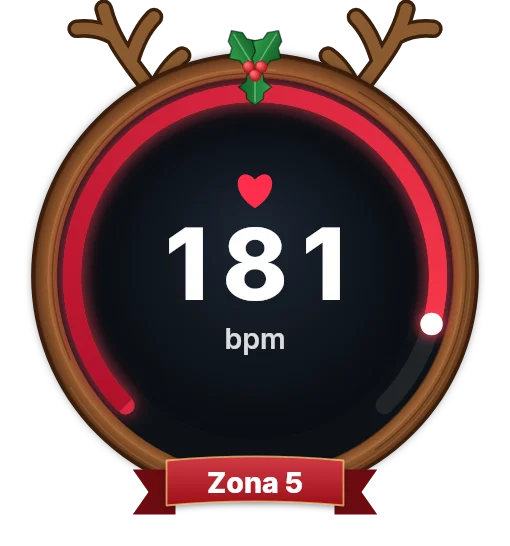
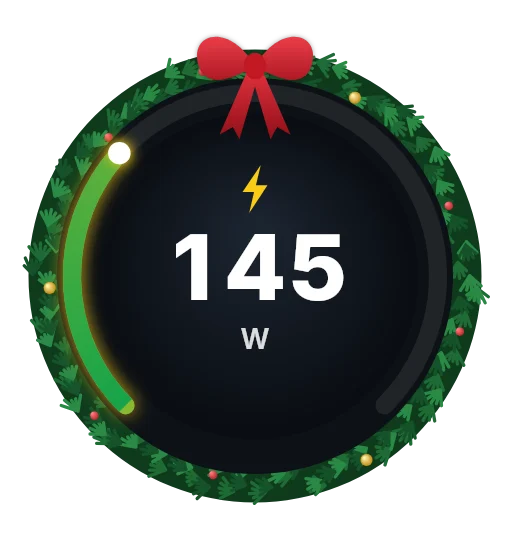
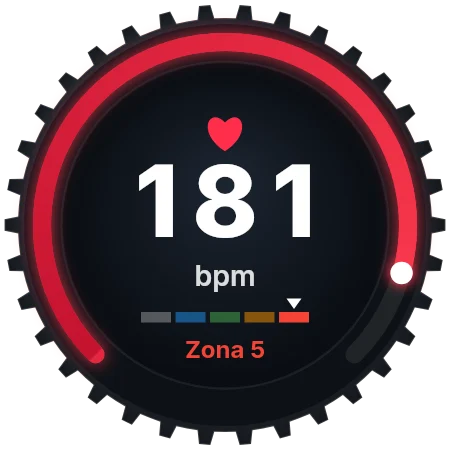
  • Speed, power with W/kg, cadence and heart rate with zones
  • A map that turns with your direction, with the streets around, elevation and gradient
  • Laps and segments, panels with a chart and a Christmas theme
See the cycling gadgets →

Running and trail

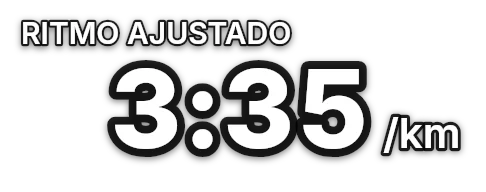
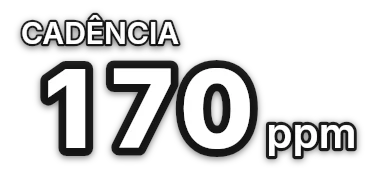
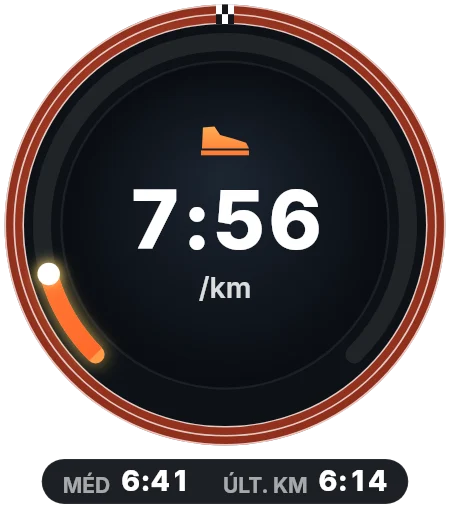
  • Pace per km or mile, grade-adjusted pace and cadence in steps
  • Km-by-km splits table and vertical speed for the trail climbs
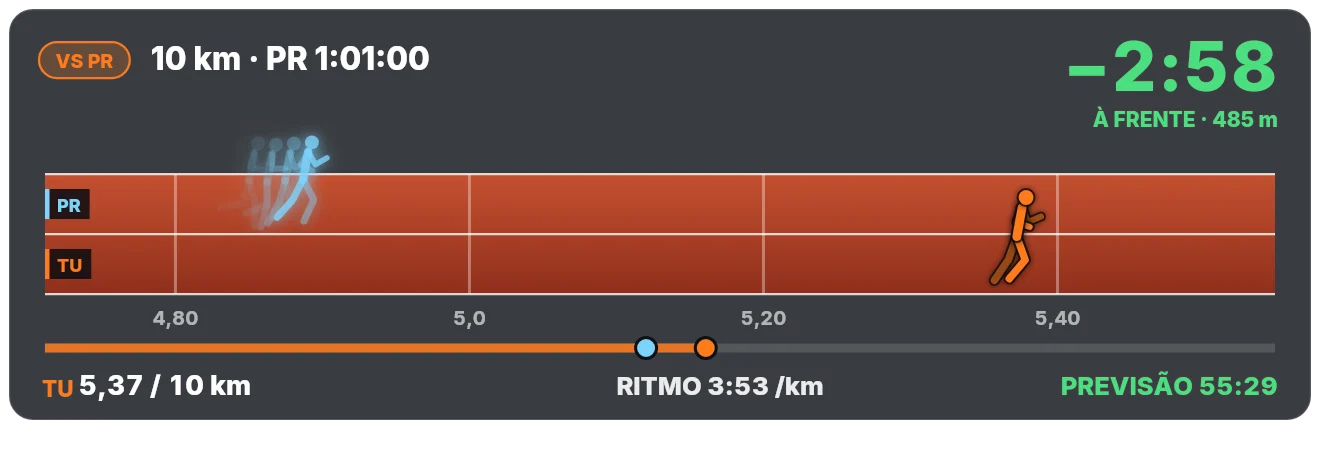
  • A race against your personal record, with a ghost running beside you
See the running gadgets →

Skiing and snowboarding

  • Speed, slope in degrees and vertical drop for the day
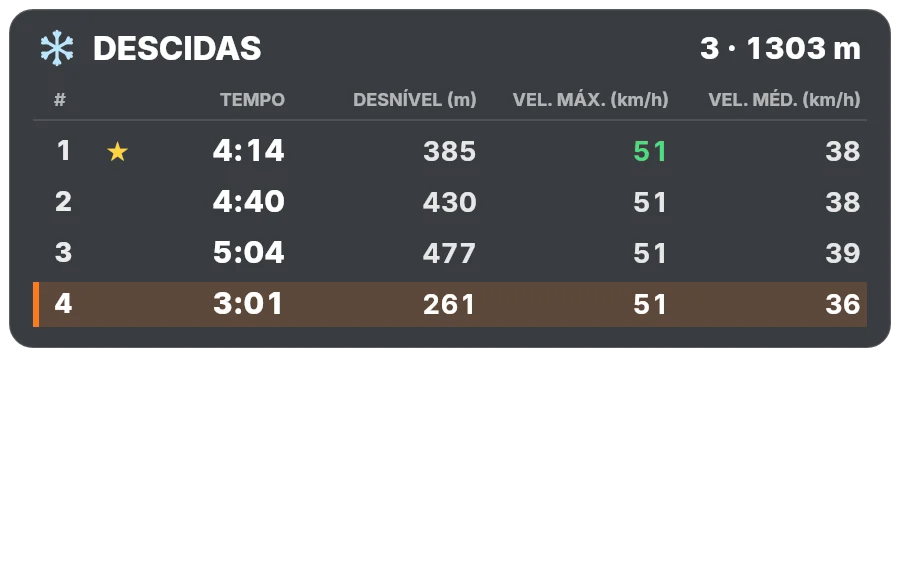
  • Runs detected on their own, with a card for the current run and the day’s table
  • Top speed, altitude, heart rate and temperature
See the snow gadgets →

How it works

  1. 1

    Telemetry

    Load the FIT or GPX from your bike computer or watch. The sport is recognised and the summary and available metrics appear.

  2. 2

    Clips

    Drag in all the videos of the activity. Each clip’s camera and time are detected from its metadata and the camera’s GPS.

  3. 3

    Sync

    Check the alignment on a timeline with the video, live graphics and a map with the streets, to line it up at a bend or a crossing. One adjustment per camera lines up every clip.

  4. 4

    Export

    Choose the gadgets and when they appear, then export transparent videos as long as the clip: one per gadget or everything in one composition.

Free thanks to its supporters

Help telemeSYNC keep going

telemeSYNC is free and will stay free. Every coffee and every sponsorship pays for development time: more cameras and bike computers, new gadgets and ever better exports.

Buy me a coffee

A one-off contribution of any amount, through Buy Me a Coffee. It takes a minute and really makes a difference.

☕ Buy me a coffee

Voluntary contribution, with nothing in return. Not a tax-deductible donation.

Latest supporters

  • A carregar…

Sponsor the project

Advertising your company here is a way to support the project and its further development. Sports shops, gear brands, cycling, running and trail events, ski resorts and outdoor tourism companies reach people who film and share their activities.

I want to sponsor

Terms by email. Sponsorships are always labelled as such.

Sponsors

The layers

Each gadget is exported as a video with a transparent background. Choose the metrics, the colours and when they appear, then place them in your editor or let telemeSYNC do the composition.

  • 79 gadgets for cycling, running and skiing, plus a Christmas theme
  • 12 metrics: speed, pace, power, HR, cadence, altitude, gradient, slope, vertical speed, distance, time and temperature
  • Only when it matters each gadget can appear only above or below a value, e.g. speed above 30 km/h
  • 5 formats with transparency: ProRes 4444, QuickTime Animation, FFV1, WebM or PNG images

Shown here over illustrative images; in the exported video the background is transparent.

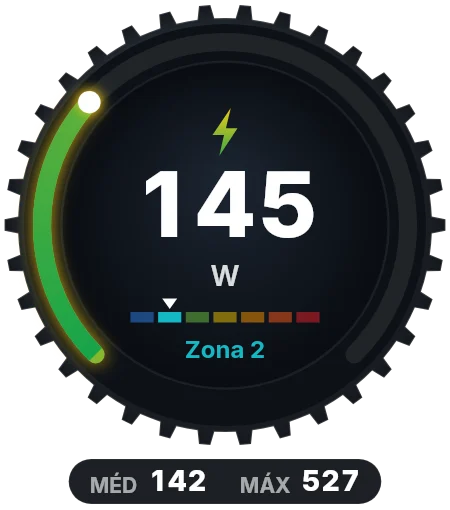
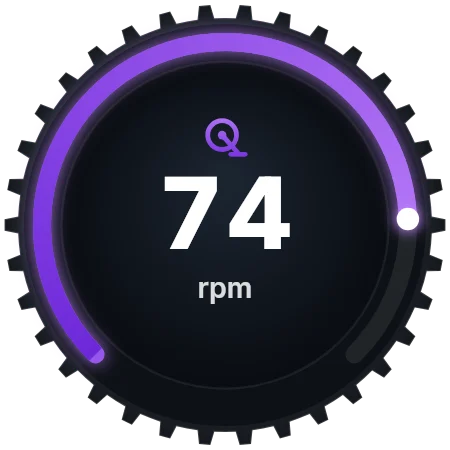
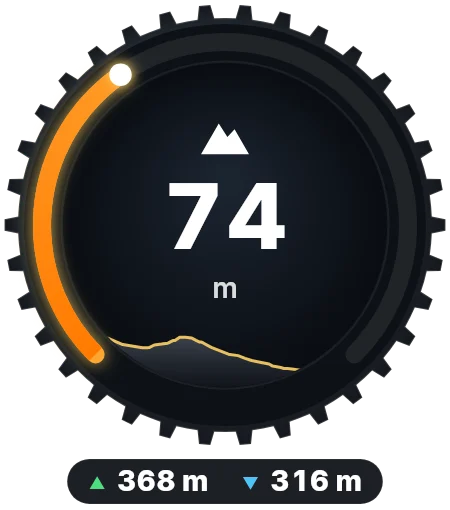
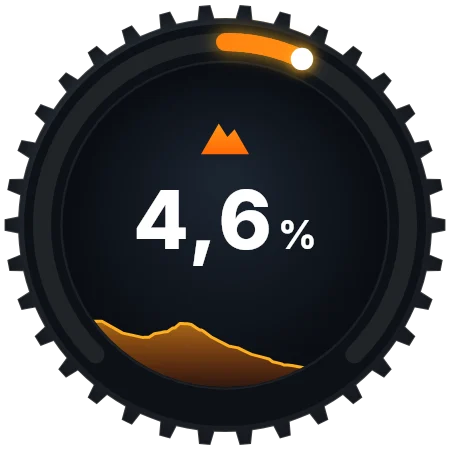
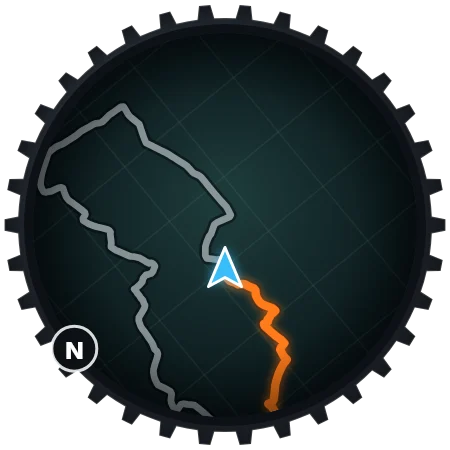
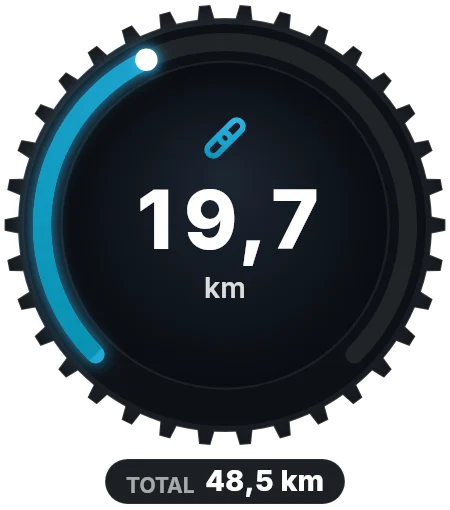
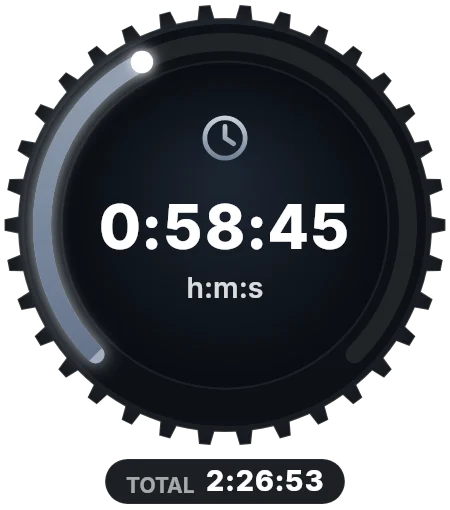
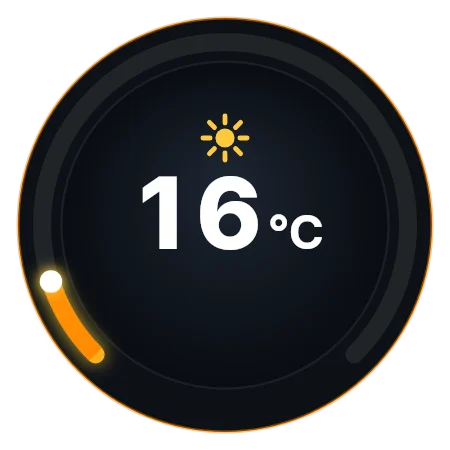
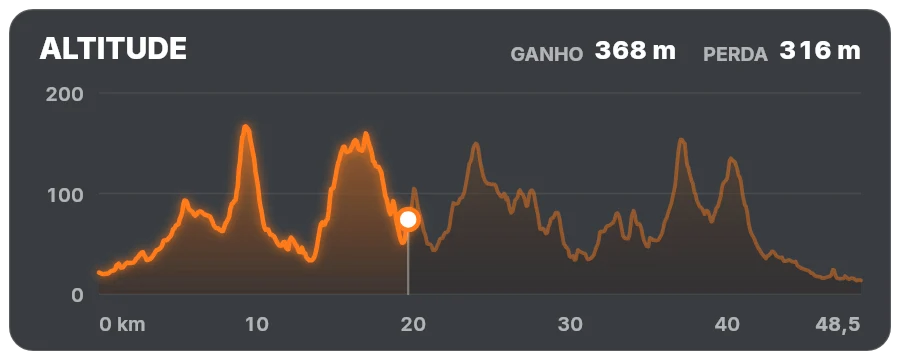
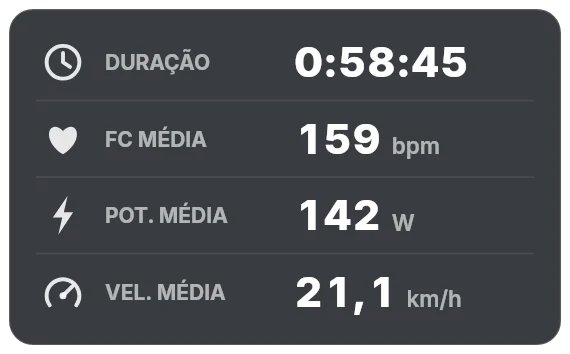
Round gadgets with a chainring rim, a round map that turns with your direction, the elevation profile as a card and a compact panel with your averages.
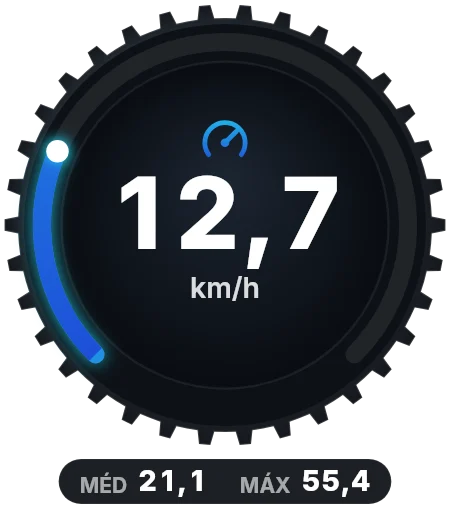
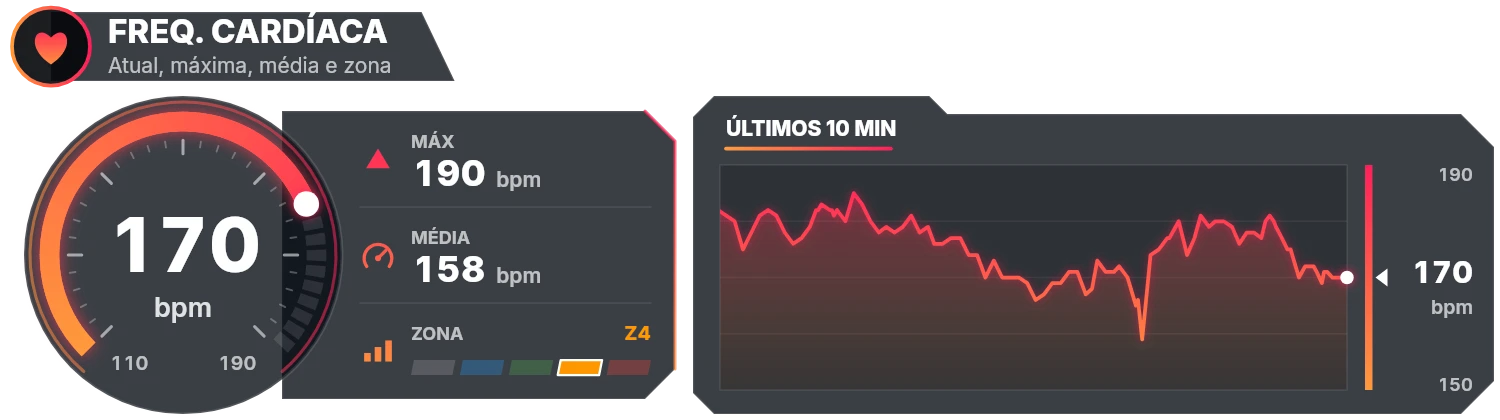
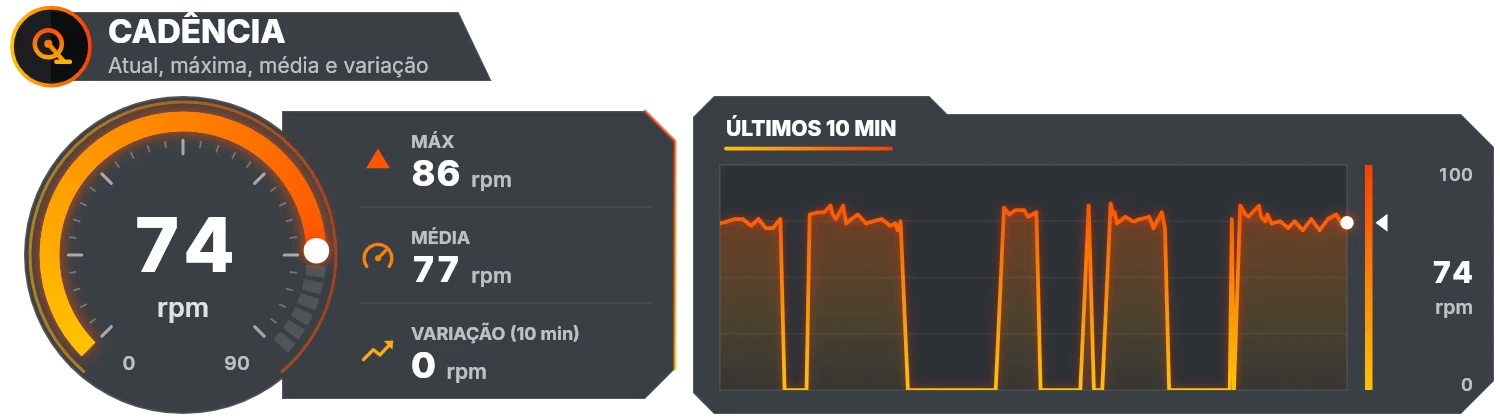
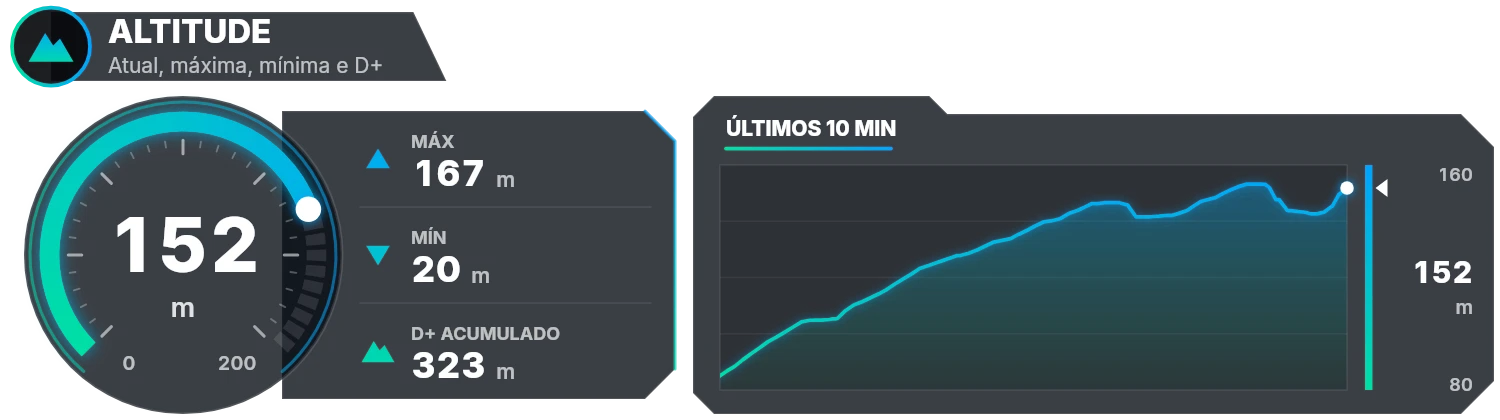
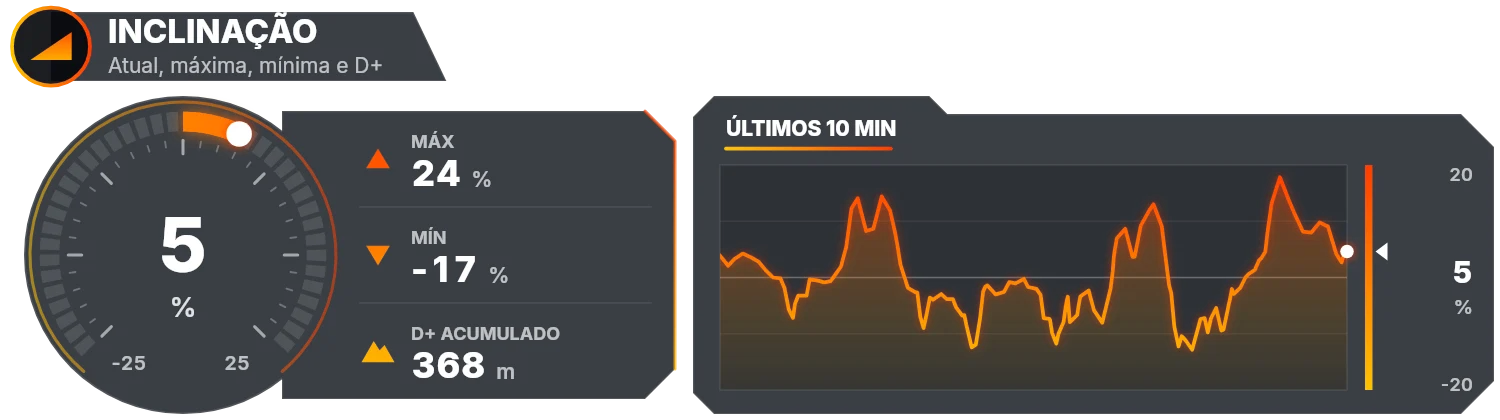
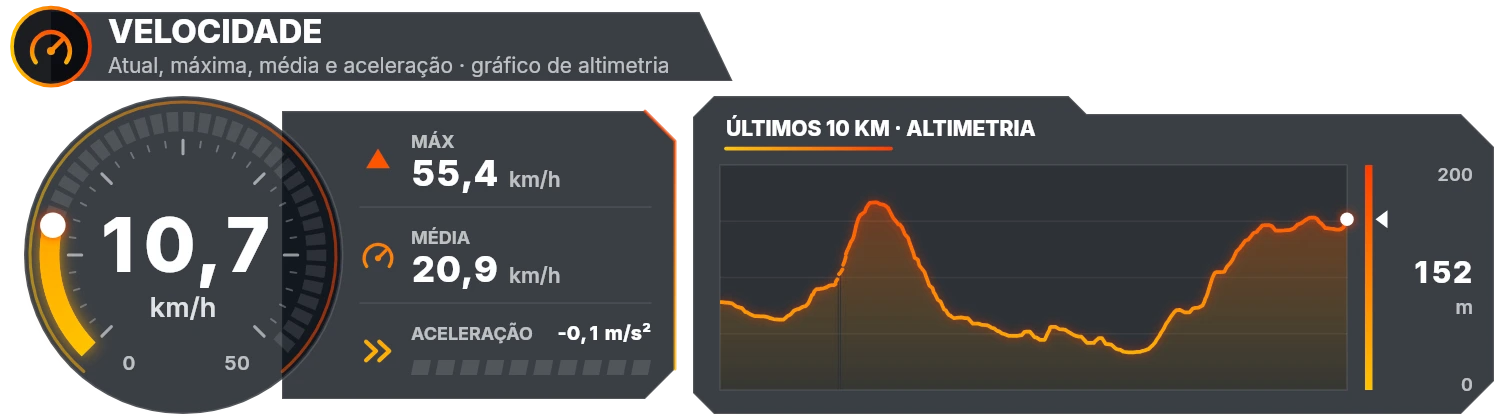
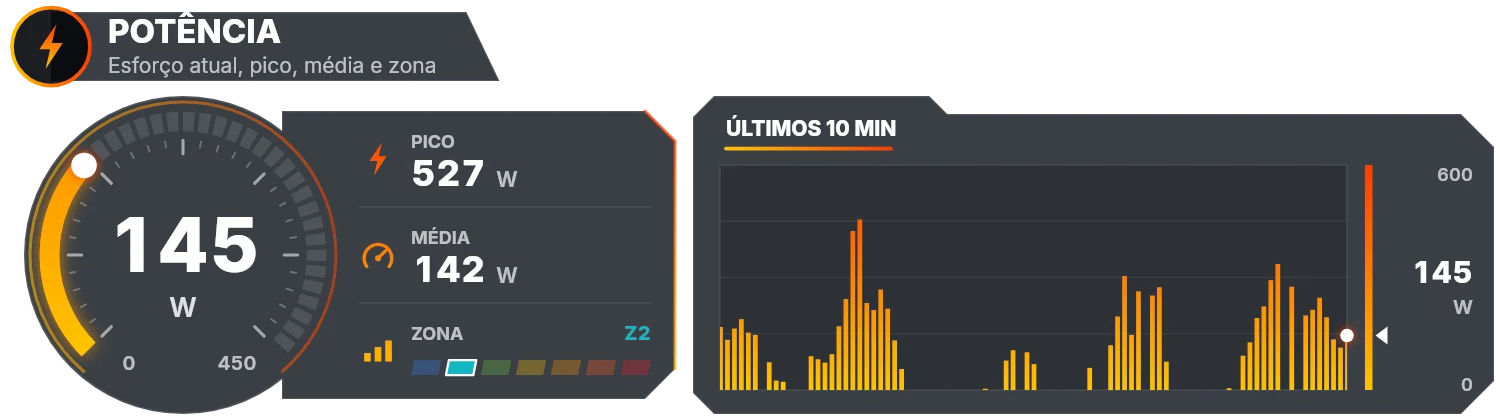
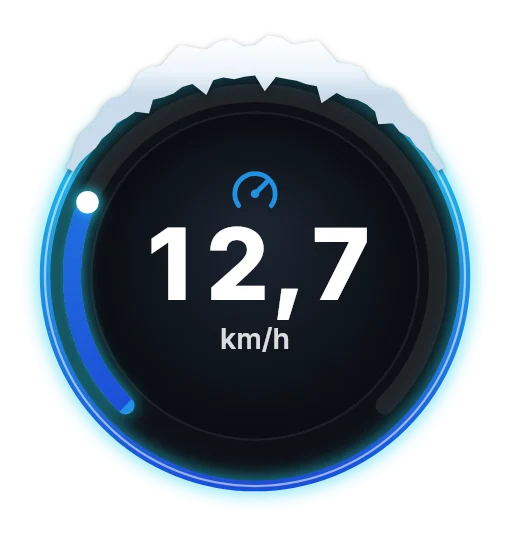
Gauge, maximum, average, zone or acceleration, and a chart of the last 10 min or 10 km. The chart can show another metric.
Dials with an athletics track around them, a splits table that fills in km by km and a race against your personal record, with a ghost at your PR pace. Pace is worked out over the last few seconds, steadier than GPS speed.
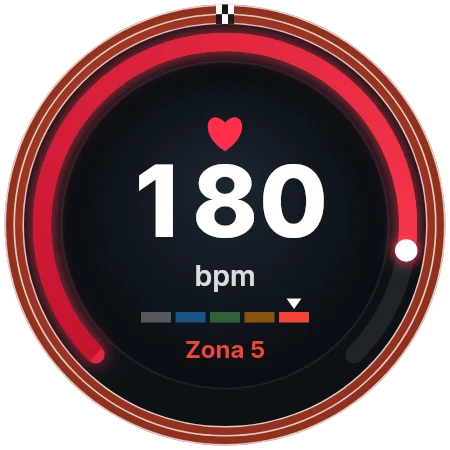
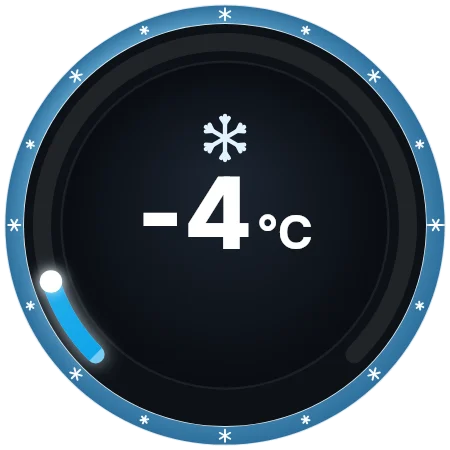
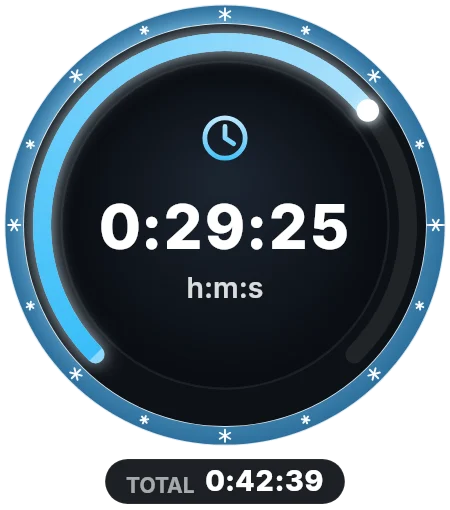
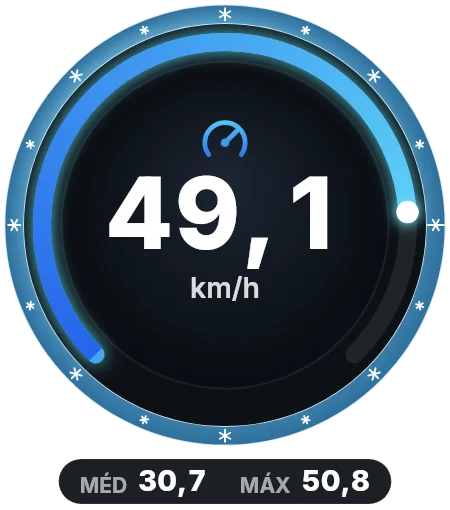
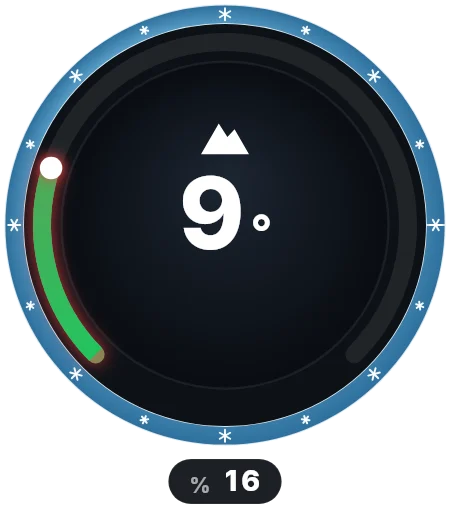
Dials with an icy rim. Runs are detected from the altitude (the climbs between them are lifts): one card shows the current run and another fills in the day’s table.
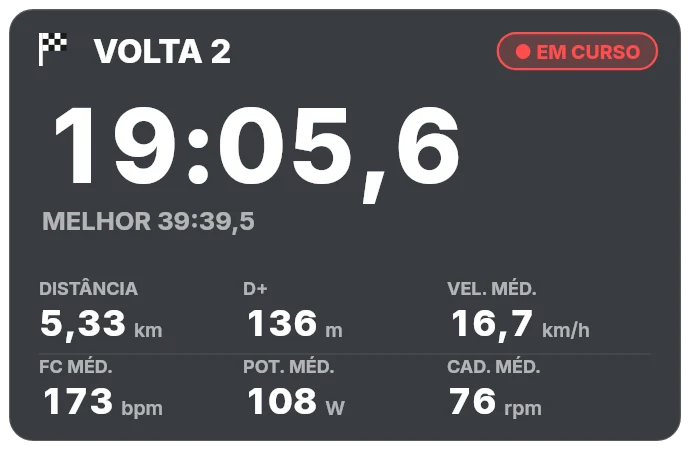
Mark laps or segments on the timeline (or use the laps in the FIT file): one gadget shows the current lap and the gap to the best one, another fills in the table.
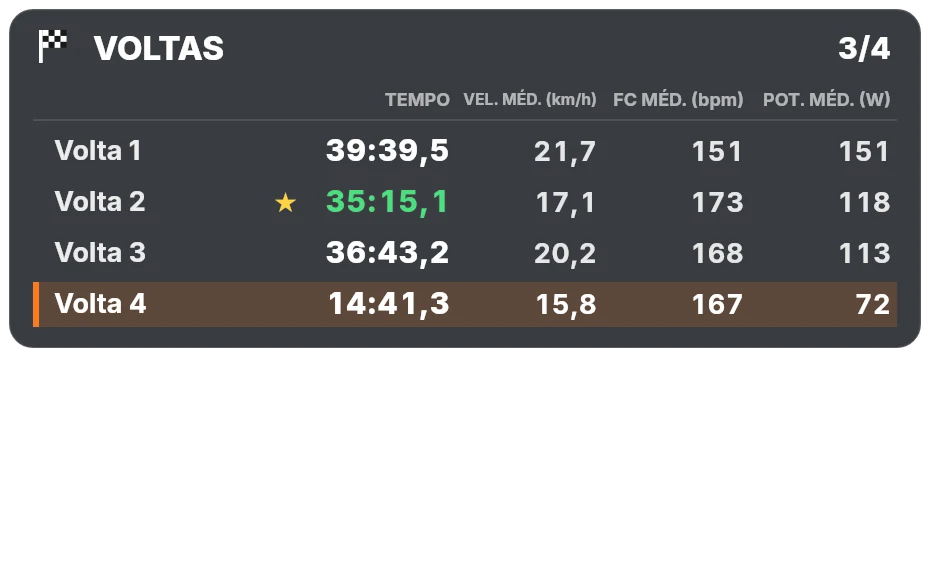
The simplest gadgets: just the number, the route or the profile, for a clean video.
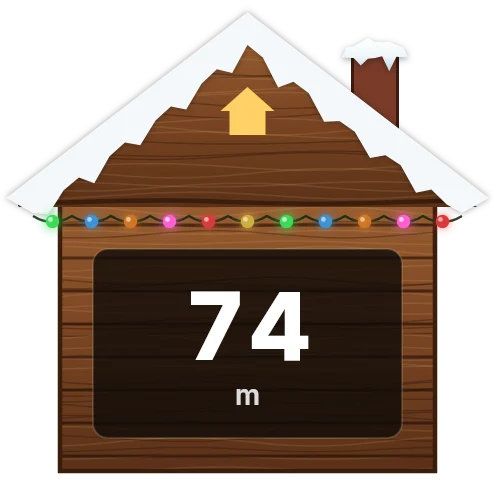
A full Christmas theme, with snow, lights, reindeer and hot chocolate, for your December rides.
Demo

From the activity file to the finished video in a few minutes.

How it works, step by step

Narrated in Portuguese, with subtitles. They switch on by themselves; to read them in your language, choose ⚙ Settings → Subtitles/CC → Auto-translate in the player and pick your language.

The result in a real video

Video courtesy of Alves na Roda · YouTube · Instagram

The preview images come from YouTube; the videos themselves (privacy-enhanced mode) only load when you press play.

Download

Version 1.2.0 · free · nothing to install · in 5 languages.

Windows

Windows 10/11 (64-bit) · about 86 MB

  1. Download and extract the ZIP (right click → Extract All).
  2. Double-click Iniciar telemeSYNC.bat. The program opens in your browser.
  3. Keep the black window open while you use the program.

macOS

macOS 11 or later · Apple Silicon (M1 to M4) and Intel · about 155 MB

  1. Download the ZIP. Safari opens it by itself and leaves the telemeSYNC folder in Downloads.
  2. Double-click Iniciar telemeSYNC.command. The first time, allow it in System Settings → Privacy & Security → Open Anyway.
  3. Keep the Terminal window open while you use the program.
Download for Mac

By downloading you accept the terms of use in the LICENCA.txt file.

Roadmap

What is coming next.

  • In testing

    Android app

    Edit and export your videos with the gadgets right on your phone: pick the clip, sync it with the help of the map and export it with the metrics already on top. It is being tested by a group of users.

  • Next

    Strava connection

    Sign in with your Strava account and pick the activity: telemeSYNC fetches the telemetry by itself, without exporting and importing FIT or GPX files.
What's new

Version 1.2.0

  • Three sports: step 4 now has Cycling, Running and trail, and Skiing and snowboarding tabs. When the file says its sport (a running, walking, hiking, skiing, snowboarding or cycling FIT, or the track type in a GPX), the program opens that tab by itself.
  • Running and trail: pace in min/km or min/mile, grade-adjusted pace, cadence in steps, vertical speed, dials with an athletics track, a km-by-km splits table and a race against your personal record, with a ghost at your PR pace and the predicted finish time.
  • Skiing and snowboarding: slope in degrees, vertical drop, top speed, dials with an icy rim and runs detected on their own from the altitude, with a card for the current run and a table of the day’s runs.
  • Gadgets that appear only when it matters: each gadget can appear only above or below a value, or outside a band (e.g. speed above 30 km/h, HR above 170 bpm, gradient below −5 % or above +5 %), and fades out after the seconds you choose. It works with every metric of the three sports.
  • Map in the sync step, with streets and crossings: in step 3, the round map at the video’s position, zoomable from 50 m to 3.2 km, to set the time at a bend or a crossing. The round map now shows the streets and paths around (OpenStreetMap), in the preview and in the exported video.
  • Area of the maps and profiles: the whole ride, only the clips’ stretch, clip by clip, or a start and end picked on the map itself.
  • Rotate the video 90°: for cameras that film sideways, a new button next to the 180° one turns the picture 90° at a time. The frame turns with it, so the gadgets are placed on the turned picture and the "Composite" export comes out at that size.
  • Fixes: elevation gain and loss now match the bike computer, lap by lap, when the FIT file carries them (they could be up to 25 % lower before); the round map turns in the bend, without delay or jerks; segments are no longer compared with each other (only laps are); GoPros with GPS use the camera’s GPS time and HERO11 or newer are read in UTC; videos from Android phones get the right time; cancelling an export on Windows no longer leaves a half-written file; projects keep the chosen sport.

Version 1.1.1

  • W/kg for power: enter your weight and the power gadget shows the watts large with the W/kg below; so do the dials and the power panel. Segments and laps show the average W/kg.
  • Instantaneous or 3-second power: choose between the instantaneous reading and the average of the last 3 seconds, as bike computers show it: steadier, without jumps.
  • Social media zones: in the preview, turn on TikTok, Instagram Reels or YouTube Shorts (or several) to see the areas each app covers with its name, description and buttons. Gadgets underneath are outlined in red.
  • Settings next to the gadgets: the FTP and the heart-rate zones appear when you choose a gadget with that metric. Heart-rate zones can be worked out from your max heart rate, and the app tells you when the FTP or the zones are still the defaults.
  • The app remembers the gadgets you chose and the export mode for the next ride, as it already did with colours and positions.

Version 1.1.0

  • Segments and laps: mark segments (start and end, for PR attempts) or laps (one click each time you cross the line) at the point in the video, or use the laps recorded by your bike computer. Two new gadgets: the live segment, with the running time in tenths, distance, gain and average speed, heart rate, power and cadence, compared with your best lap; and the laps table, which fills up lap by lap with the best one highlighted.
  • Christmas theme: overlays are now organised by theme. The Christmas one brings 19 festive gadgets with snow, lights, holly, candy canes, Santa hats, wreaths, a snow globe and a mug of hot chocolate, which you can mix with the usual ones.
  • Rotate the video 180°: if you film with the camera upside down (e.g. chest mount), a button turns the video in the preview. The overlays and the exported files stay as they are.
  • Panels without a double background: where the round gauge meets the stats box, the background used to look darker. It now has the same transparency across the whole panel.
Show older versions

Version 1.0.2

  • In 5 languages: the program now comes in Portuguese, English, French, Spanish and German, chosen with the flags at the top (English by default). The texts drawn in the overlays, the warnings and the sync report follow the language, and the overlays can have a language of their own.
  • Heart rate without gaps: with watches that only measure HR now and then (e.g. Huawei Watch GT 5 Pro), the overlay showed "—" between readings. Now the last value stays until the next reading (for up to 4 s; during a pause it still shows "—"). The same goes for cadence, power and temperature.
  • Duplicate records merged: when the file has two records with the same time (e.g. GPS in one, HR in the other), both are merged instead of the second one being lost.

Version 1.0.1

  • Dials: a new design of round gadgets with a chainring rim — heart rate with zone, cadence, speed with average and maximum, gradient and altitude with the terrain ahead, power with zone, distance, time and temperature.
  • Round map: centred on you and turning with your direction of travel, with north always marked on the rim.
  • Elevation profile card with elevation gain and loss, and a compact panel with your ride averages.
  • Clip list in the sync step: each clip with the start time used, its moment in the ride, where the time came from and its own fine adjustment. It warns when two clips of the same camera overlap in time, a sign of a wrong start time.
  • Sync report: every export writes a sincronizacao.txt with each clip’s start time and the adjustments applied, so you can check in your editor that each overlay goes on the right clip.

Version 1.0.0

  • Mac version: a single download for Macs with Apple Silicon (M1 to M4) and Intel, macOS 11 or later. As on Windows, nothing to install.
  • First stable version: Windows and Mac with the same features — telemetry, sync, gadgets, panels and export with transparency.
  • The update notice and the website link to the right download for your system.

Version 0.3.2

  • Update notice: when it starts, the program tells you when a new version is out, with links to what’s new and to the download. Without internet, it opens as usual.
  • For every kind of ride: road, gravel, MTB, downhill… the program’s texts no longer talk only about mountain biking.

Version 0.3.1

  • Files up to 10× smaller: the default format is now QuickTime Animation (.mov, lossless). A 21-minute Full HD composition goes from about 19 GB to about 1.8 GB.
  • Choice of export format: QuickTime Animation, ProRes 4444, FFV1 (.mkv, for DaVinci Resolve), WebM VP9 (experimental) and PNG sequence, showing which editors keep the transparency.
  • 30 fps maximum: with 50/60 fps clips, overlays can be exported at half the frame rate (half the size) while staying aligned with the video.
  • Panels at the pace of the numbers: the gauge and the chart update with the numbers, making panel files about 3× smaller and faster to render.

Version 0.3.0

  • Panels: gauge, ride stats and recent chart for speed, power, heart rate, cadence, temperature, altitude and gradient.
  • Two-colour gradient of your choice, adjustable background and power zones from your FTP.
  • Each panel’s chart can show another metric, over the last minutes or kilometres.
  • Fixed: exporting failed in the Windows version.

Version 0.2.0

  • Welcome page, legal notices and support link.
  • FIT files read with an in-house decoder.

Made by Gabriel Pereira

Web designer and digital consultant

telemeSYNC was born from bringing two passions together: mountain biking and well-made digital work. It is the same care I put into projects for companies and professionals: websites and landing pages, product design and development, automation and digital strategy. More than 20 projects delivered, in Portugal and abroad, including the website, online shop and bike rental of ViaBike, on the Camino de Santiago.

telemeSYNC is freeware. If you need a website or a digital project, have a look at my services.